
Editing family and member records when two spouses divorce
When two spouses divorce, we recommend keeping one spouse in the original family record. Then, create a new family record with the other spouse and move any children into that new family. By moving the children with the parent they will live with, you help them maintain their connection to the parent they are not living with in the original record. If any last names need to change, you can update the spouse’s and children’s last names as well.

Member records that have been moved will now have an indicator next to their name. When you click on their name you will be brought to their new family record.

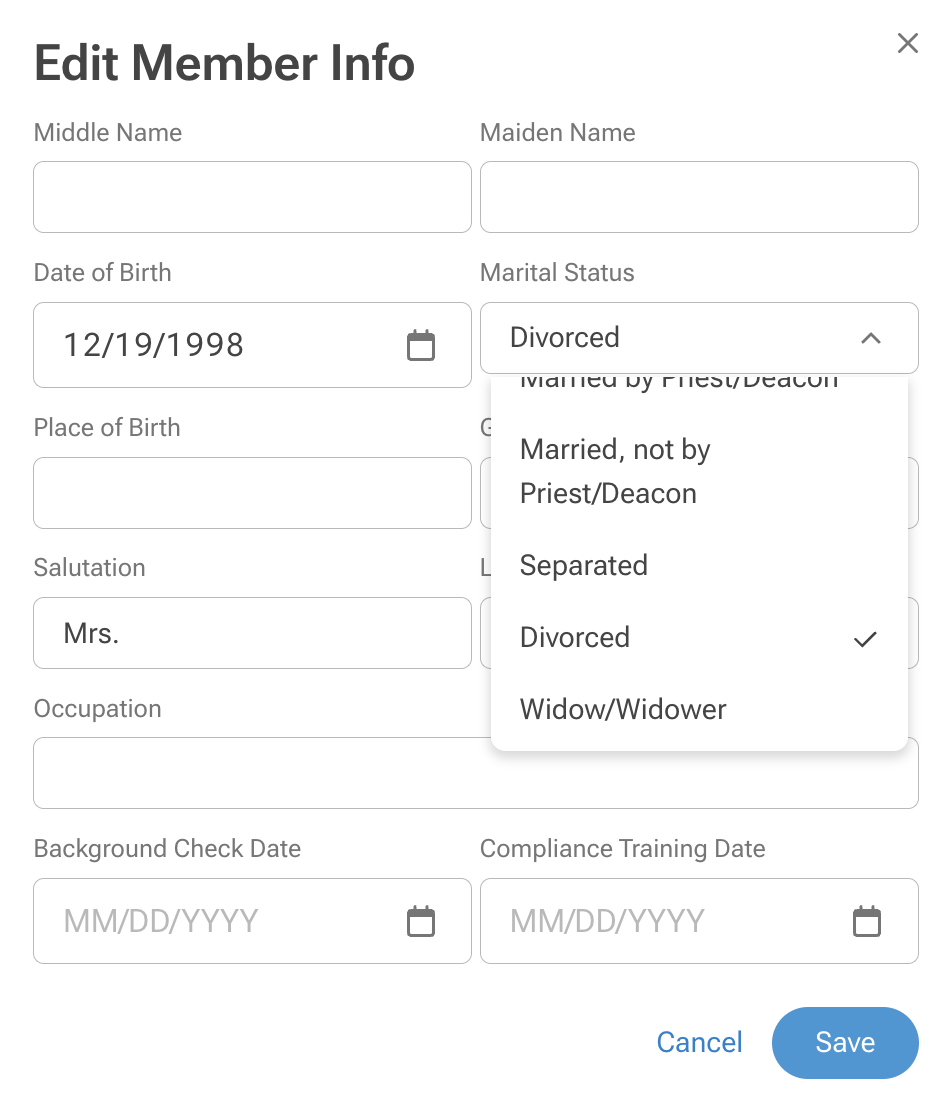
You can update the Husband’s and Wife’s marital status to Divorced in the Member Info tab. Just select Edit to make the Marital Status change.
You may also add an Interaction note explaining what was done in the original family and the new family.
