
Members Tab - Families
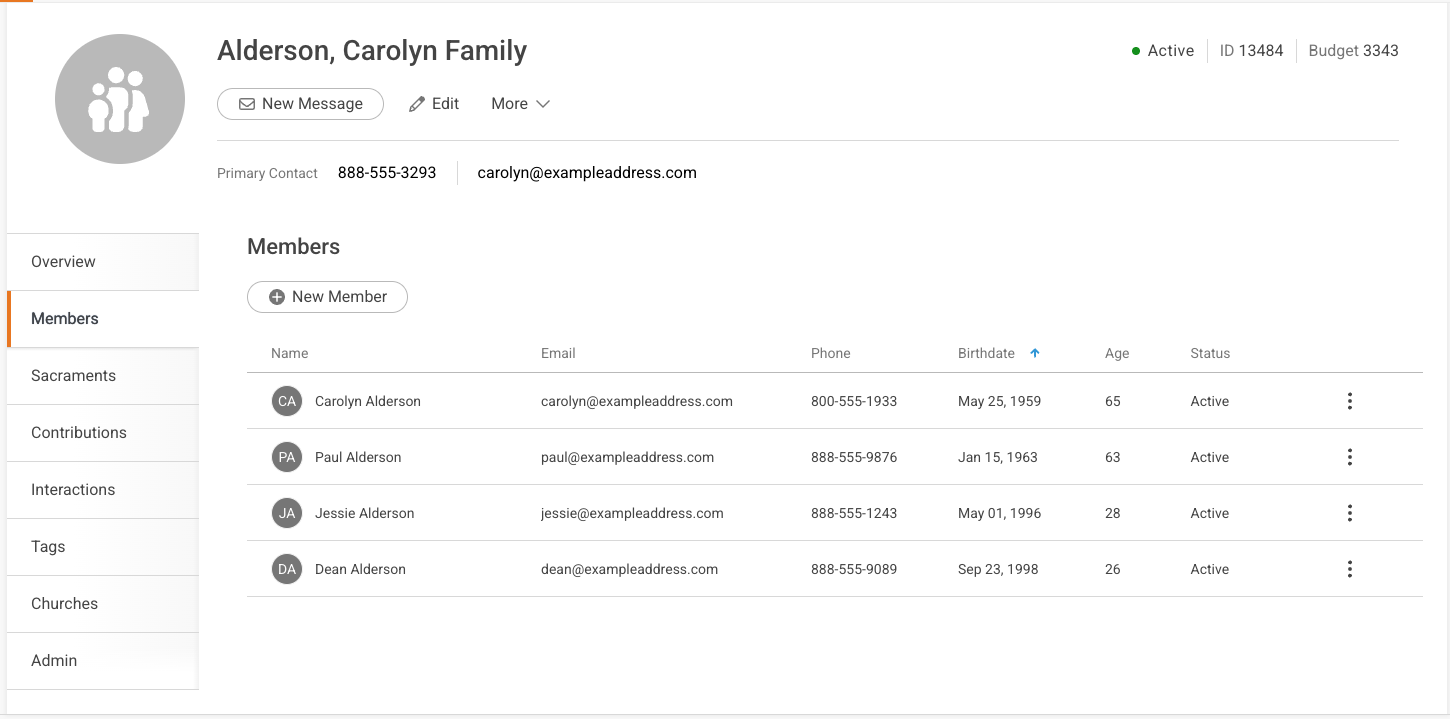
The Members Tab displays a full list of the members in the family. It also displays a quick view of member information.
Add a New Member
Easily add a new member by using the +New Member button in the upper left corner of the tab.


