
Groups Tab - Members
Groups are a way of grouping members together for communication and organization. They give the Pastor and parish staff a quick way to reach out to parishioners. Some examples of groups include Bible Study Groups, Eucharistic Ministers, Finance Council, and Lectors.
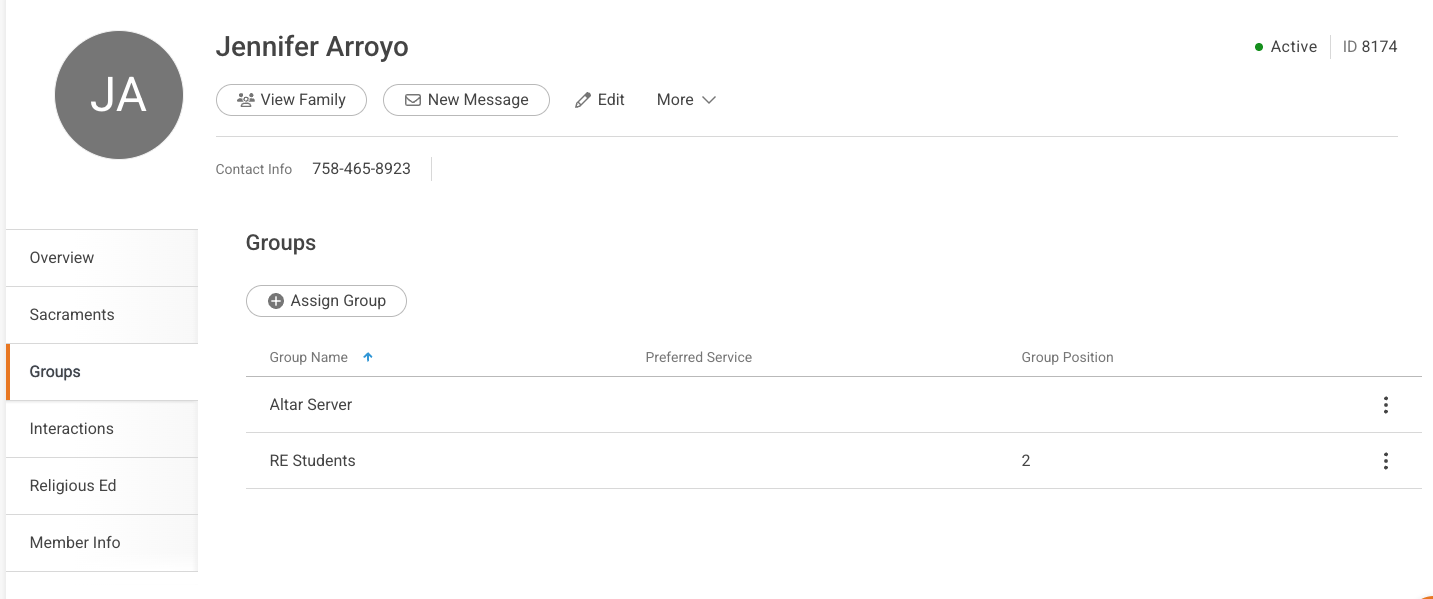
Add a New Group Assignment
Use the +Assign Group button to add this member to a new group.

Important Notes:
- Only members with a Member Status of Active are able to be added to groups.
- You are not able to create new groups from this screen. You are only able to add members to groups which have already been created.
Managing a Group Assignment
Use the 3-dot button to access the drop-down to view, edit, or delete the group assignments listed for the member.
