
Is This the Right eCatholic Payments Article for You?
eCatholic currently offers two different giving and payment experiences. If you’re not sure which one your parish, school, or ministry is using, no worries. This article will help you figure it out before you follow instructions elsewhere in this Help Center.
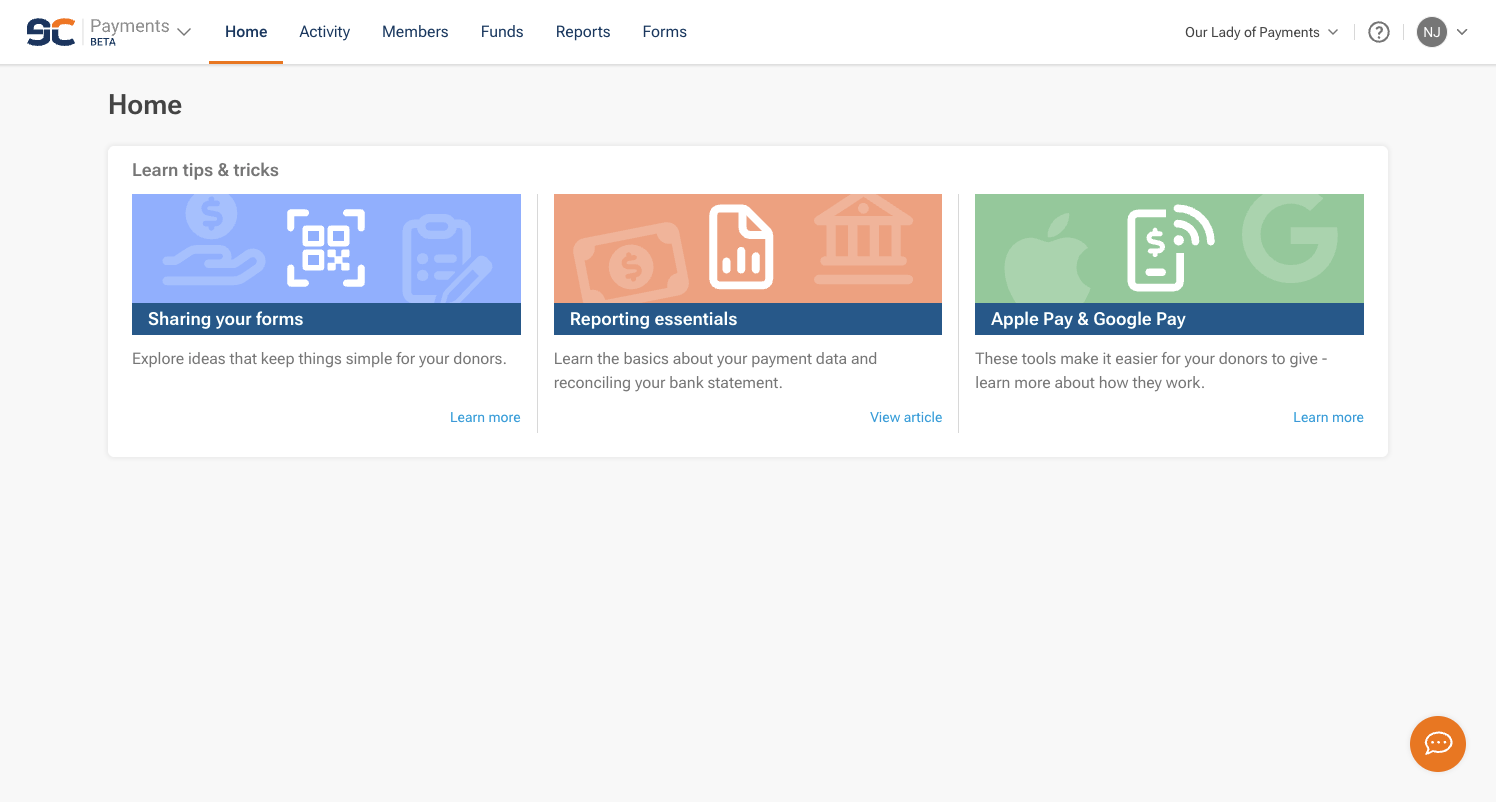
You’re using the new eCatholic Payments (BETA) if...
- Your account dashboard shows Payments with a BETA tag directly under the eCatholic logo.
-
The top navigation reads Home, Activity, Members, Funds, Reports, Forms.
- You sign in at pay.ecatholic.com using your eCatholic ID—the same login you use across eCatholic products.
- Your payment processor is Forward.
If everything above sounds familiar, you’re in the right place. The articles in this category (and in eCatholic Payments: Donor (NEW) for your donors) are the ones that apply to you.
You’re using the classic Payments Center if...
- Your dashboard doesn’t show a BETA tag, and you don’t have a separate pay.ecatholic.com sign-in.
- Your payment processor is CardConnect or Fiserv.
-
You manage donation and payment forms through the Donation Forms, Payment Forms, the Payments Center, or Donor Management categories in this Help Center.
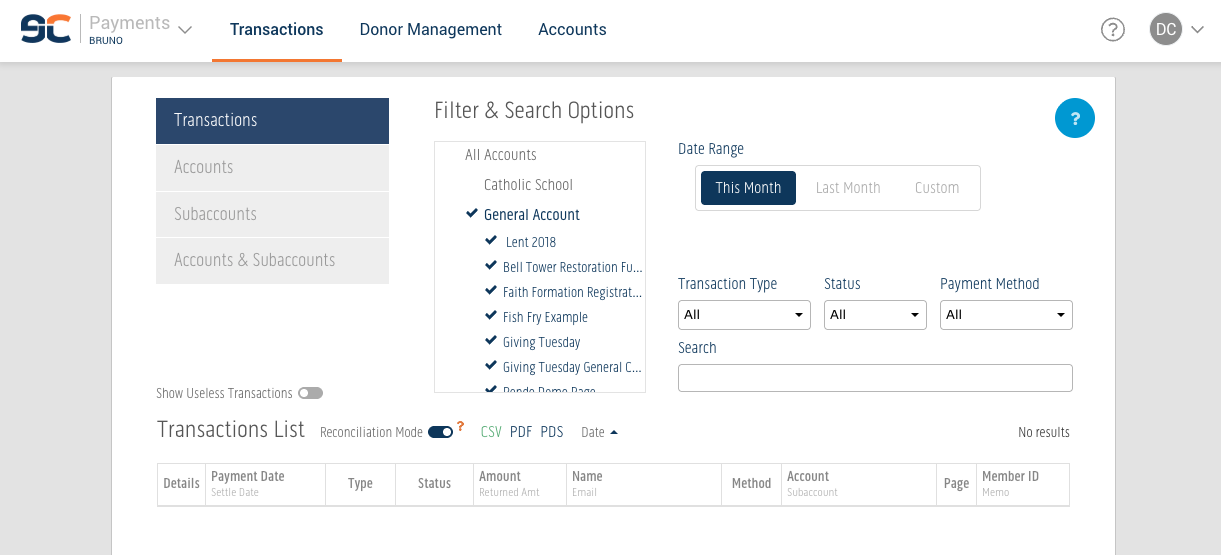
If this matches your setup, head to the eCatholic Payments collection and start with Overview of the Payments Center instead. The articles in this category won’t reflect what you see in your account.
Why are there two experiences right now?
eCatholic Payments was first launched in 2015, and is currently being revamped. The new experience is being rolled out selectively as new features come online, but the existing experience remains fully supported, and there is no impact to our customers using the classic Payments Center and website modules.
Still not sure?
Contact eCatholic Support, and we’ll help confirm which experience you’re on before you get started.